
How I Migrated a Divi Portfolio to a Custom WordPress Block Theme Without Losing Content
Replacing a WordPress page builder is easy if none of its content matters. Production migrations are different.
My portfolio already contained years of content, eight detailed project entries, featured images, galleries, URLs, and descriptions. I wanted a dramatically lighter frontend, but rebuilding the site could not mean discarding the work already stored in WordPress or trapping it inside a new theme.
The goal was therefore not simply to remove Divi. It was to separate content from presentation safely.
Start by identifying ownership
The first question in a builder migration should be: which component owns each piece of information?
Divi had registered the Project post type and stored much of the presentation as shortcodes inside post content. Gallery attachment IDs were embedded in gallery shortcodes. The active child theme controlled visual customizations, while WordPress itself still owned posts, media, users, and the database.
Deactivating the builder without investigating those boundaries could leave content in the database but make it difficult to edit or render.
I moved the durable content model into a companion plugin. The plugin now registers Projects, Certifications, their taxonomies, REST-enabled metadata, and the dynamic blocks used by the frontend. Because the model no longer belongs to the visual theme or to Divi, it survives future design changes.
Preserve the source before transforming it
Migration code should not begin by overwriting production content.
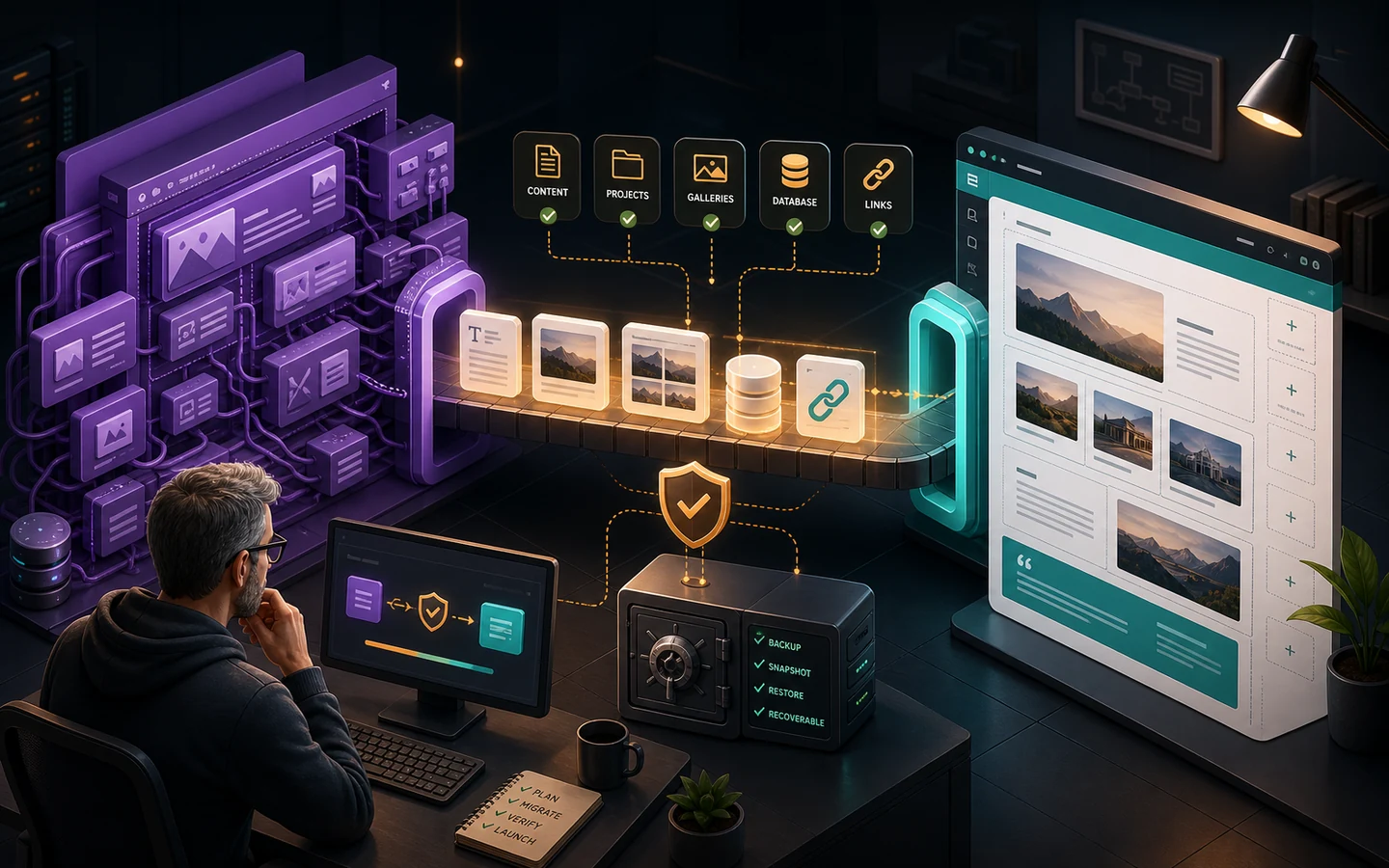
Before converting any project, the migration utility stores the original Divi content as a permanent post-meta backup. It then parses the source, extracts the useful text and URLs, identifies gallery attachment IDs, and writes normalized values into native WordPress content and dedicated project metadata.
The process was intentionally narrow. It converted only the known Project content and left featured images and the media library untouched.
After processing, the migration report showed all eight projects with native content, preserved galleries, and an available Divi backup. That made the change auditable and recoverable rather than destructive.
Give editors native controls
Removing frontend shortcodes is only half of the work. The replacement also needs a practical editing experience.
The companion plugin adds project settings directly to the block editor for the live project URL, role, year, technology stack, measurable result, and gallery. Editors select gallery images through the WordPress media library rather than editing IDs or shortcodes manually.
Those values are registered with the REST API and sanitized on save. They remain portable data rather than theme-specific display settings.
Render content through small dynamic blocks
The custom block theme uses server-rendered templates and a few focused dynamic blocks:
- Project facts render the role, year, stack, result, and external project URL.
- Project gallery reads the saved attachment IDs and produces responsive WordPress image markup.
- Other projects provides continued portfolio navigation.
- Portfolio grids query the native Project post type.
This approach keeps templates readable and prevents business logic from accumulating inside one large theme file.
Keep URLs and progressive enhancement
The new frontend feels similar to a single-page application, but it still behaves as a normal WordPress site.
I used the WordPress Interactivity API router to prefetch eligible internal destinations and replace the main content region during navigation. Project-to-project transitions feel immediate, while direct URLs, browser history, server-rendered HTML, and conventional links continue to work.
If JavaScript is unavailable, visitors still receive complete pages. That progressive-enhancement boundary is important for accessibility, crawling, sharing, and long-term maintainability.
The performance result
Once the builder runtime and unused dependencies were removed, the frontend became substantially smaller. Native image delivery, careful caching, responsive assets, and focused scripts helped the completed site reach 100 in Performance, Accessibility, Best Practices, and SEO in recorded mobile and desktop PageSpeed Insights audits.
The result was not achieved by turning WordPress into a separate headless application. WordPress still renders the public HTML and remains the content-management system.
What I would recommend for another builder migration
- Inventory post types, taxonomies, metadata, shortcodes, and media references before disabling anything.
- Decide which information must survive a theme change.
- Back up original source content before transforming it.
- Move durable content ownership into a plugin or another theme-independent layer.
- Give editors native, understandable controls for the migrated data.
- Preserve URLs and server rendering.
- Verify content, accessibility, responsive behavior, and performance after the migration.
A successful migration does more than make the frontend faster. It reduces lock-in while leaving editors with a better system than the one they had before.
If your agency or team needs to modernize a WordPress site without losing valuable content, you can contact me through the form on Salvadoresc.com.